Tabs your way
Sidebar or top bar. Switch any time.
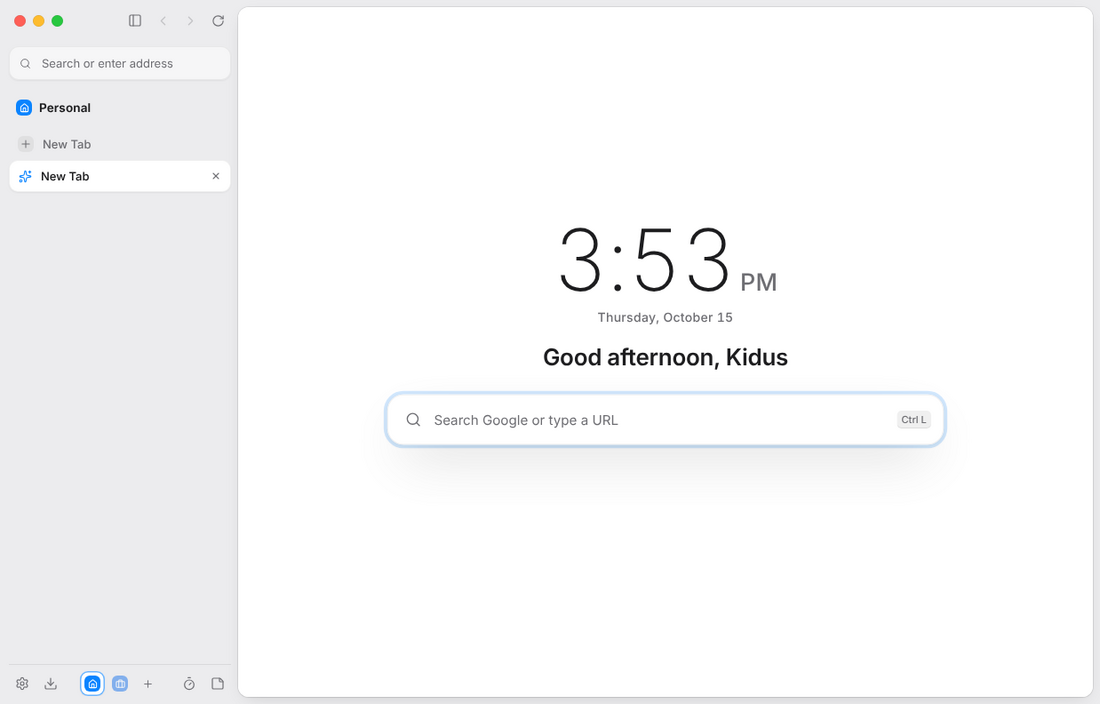
Keep tabs in a calm vertical list, or across the top like you are used to. Collapse the sidebar to a slim rail and the address bar stays right there.
KHROM // tabs on top · split screen · new setup
Khrom is a calm, fast browser with spaces for every part of your life, split screen, and tracker blocking built in. Free on Windows, macOS, Linux and Android.
01 Features
Khrom keeps the browser out of your way, and puts the good stuff one click away.
Keep tabs in a calm vertical list, or across the top like you are used to. Collapse the sidebar to a slim rail and the address bar stays right there.
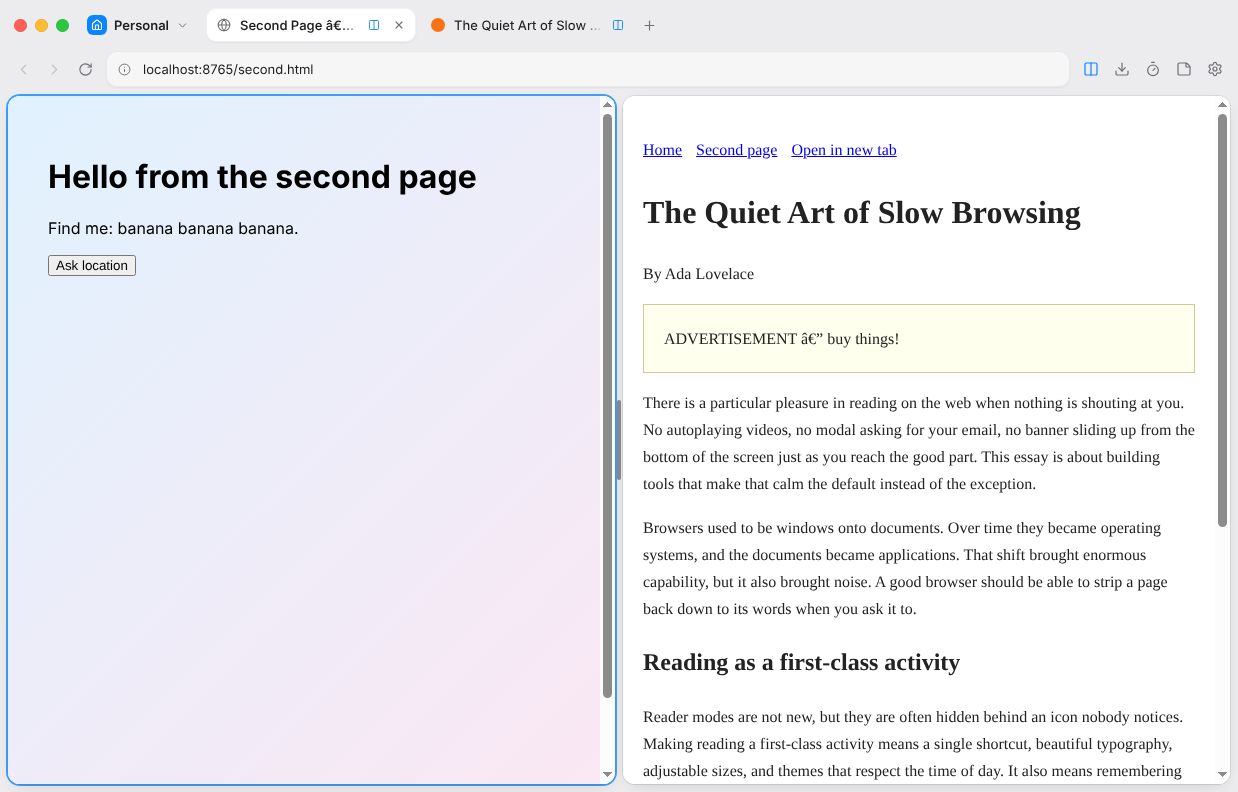
Read and write side by side. Drag the divider to resize.
Right-click any page, choose Split Screen
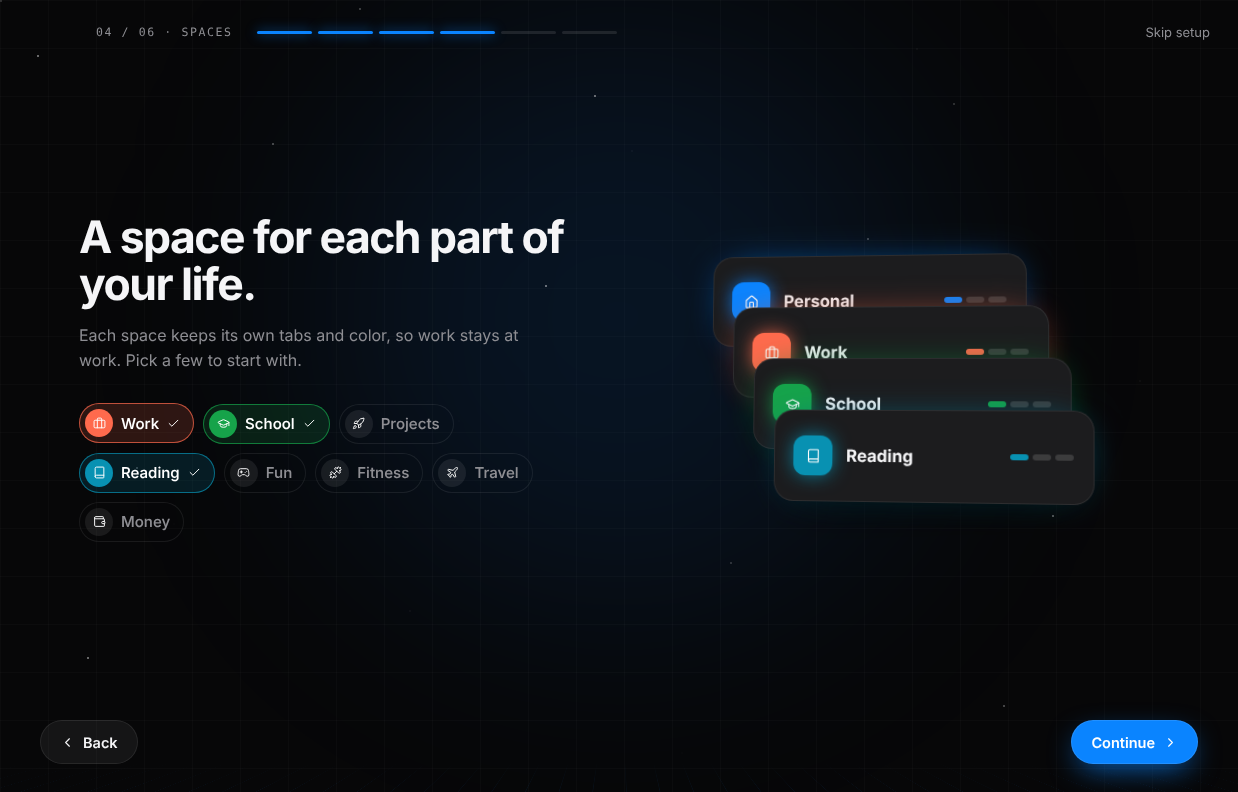
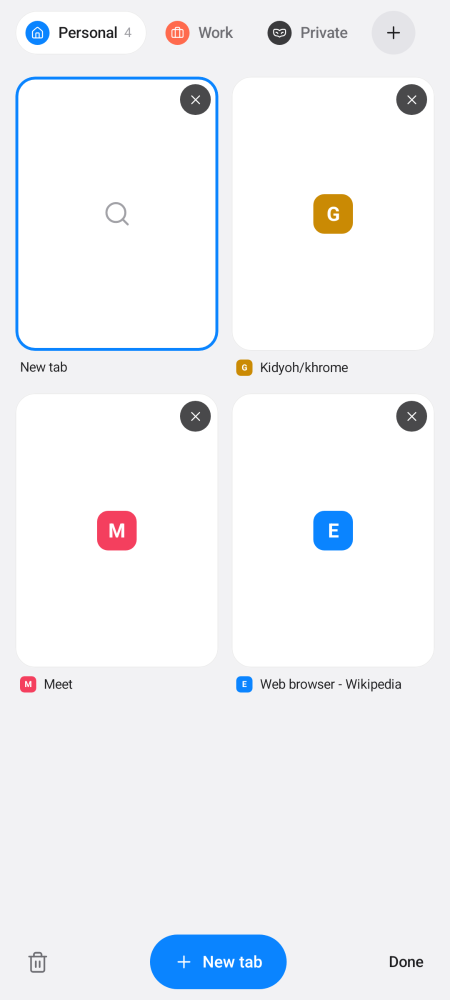
Separate tabs for work, school and home, each with its own color.
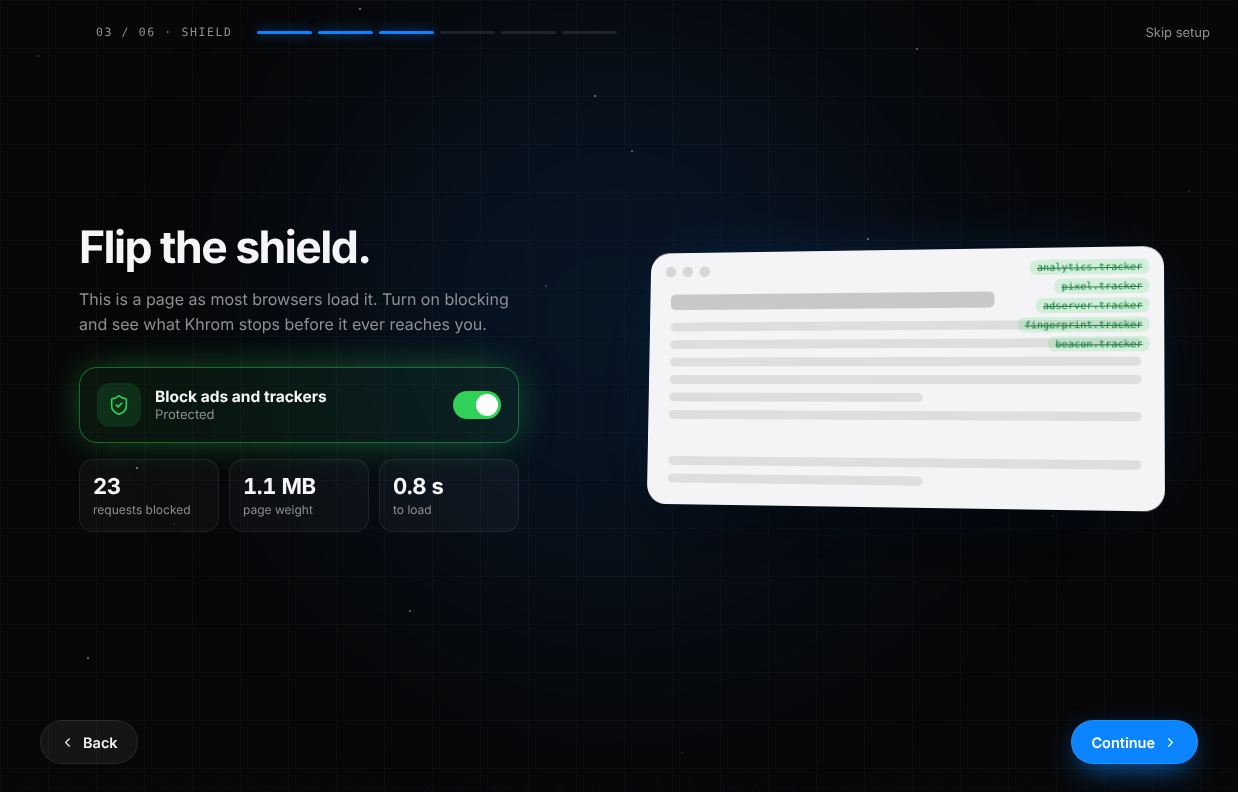
Ads and trackers are stopped before they load. Pages get lighter and faster.
Notes, tasks and a focus timer in a side panel that keeps running while you browse.
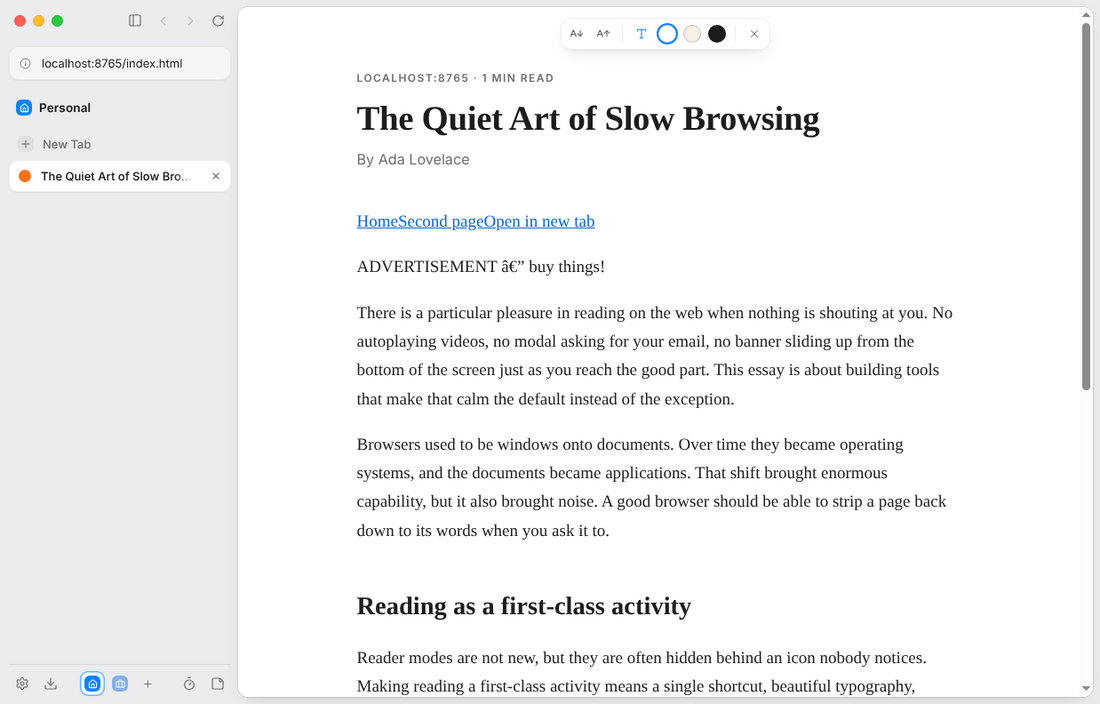
Turn a cluttered article into clean, adjustable text with one click.
Search the web, your tabs and history, or run any command from one box.
Nothing saved, cookies kept apart, everything wiped when you close it.
Khrom tells you when a new version is out and fetches it for you.
02 First launch
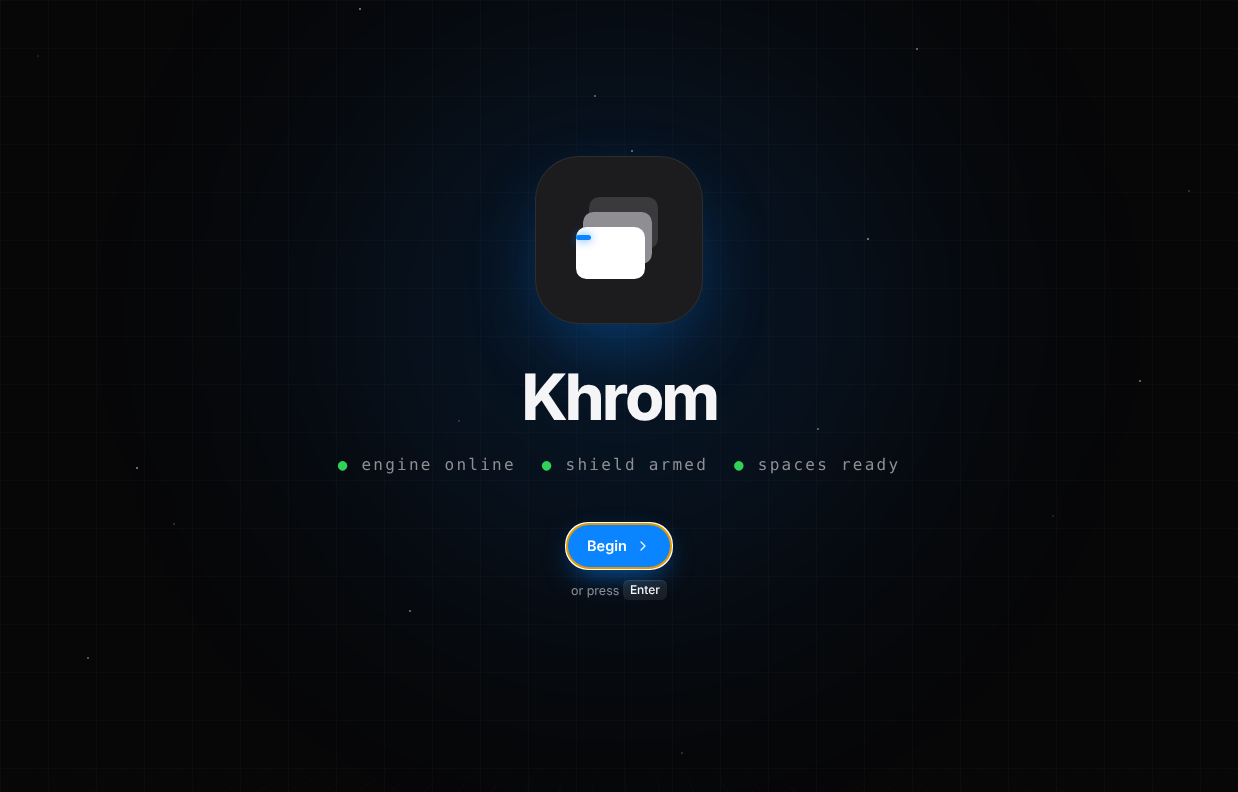
Sixty seconds, and Khrom is yours. Flip the shield and watch ads disappear, pick your spaces, try the one shortcut that does everything.
03 Khrom for Android
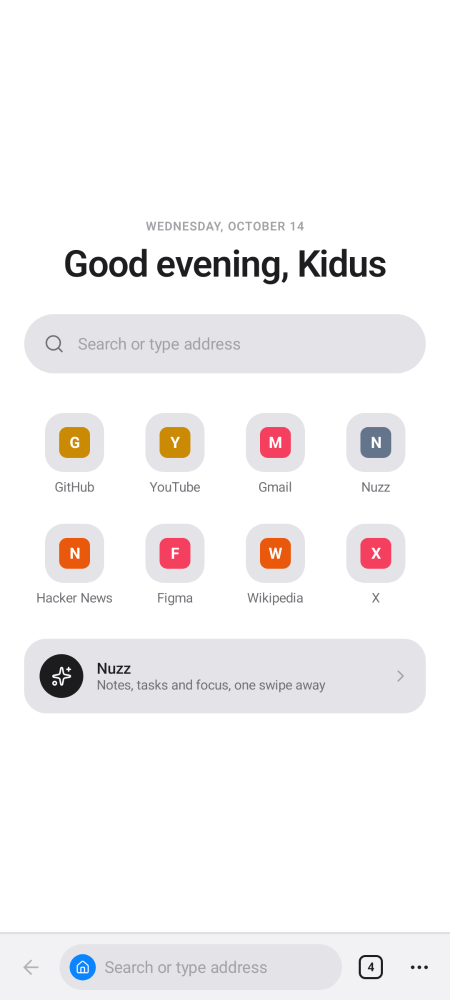
Built natively for Android, so it opens fast and scrolls smoothly. One tidy bar at the bottom, tabs grouped by space, tracker blocking and Nuzz included. The whole app is under 2 MB.
Open the file on your phone and allow installs from your browser when Android asks.
04 Install
Pick Khrom-Setup-…-x64.exe, or -arm64.exe on an ARM laptop.
Windows may show “Windows protected your PC” because Khrom isn’t code-signed yet. Click More info, then Run anyway.
Choose where to install, and Khrom opens when it’s done.
05 Downloads

Khrom is new and getting better every week. Download it, give it a day, and send it to a friend who deserves a calmer browser.